How I Built a Bank Statement Reconciliation Workflow Using n8n
From manually cross-checking receipts to automated matching — how I reconcile my credit card statement using Telegram and Google Sheets.
The Problem
Every month, reconciling my credit card bank statement was a tedious task. I had to manually compare every transaction in my statement against my own records one by one.
The process was slow, error-prone, and frankly boring. I knew there had to be a smarter way.
The Solution
I built an automated bank statement reconciliation workflow using n8n. I simply send my digital bank statement into Telegram and the workflow handles the matching automatically.
How It Works
 Figure: My actual bank statement reconciliation workflow built in n8n
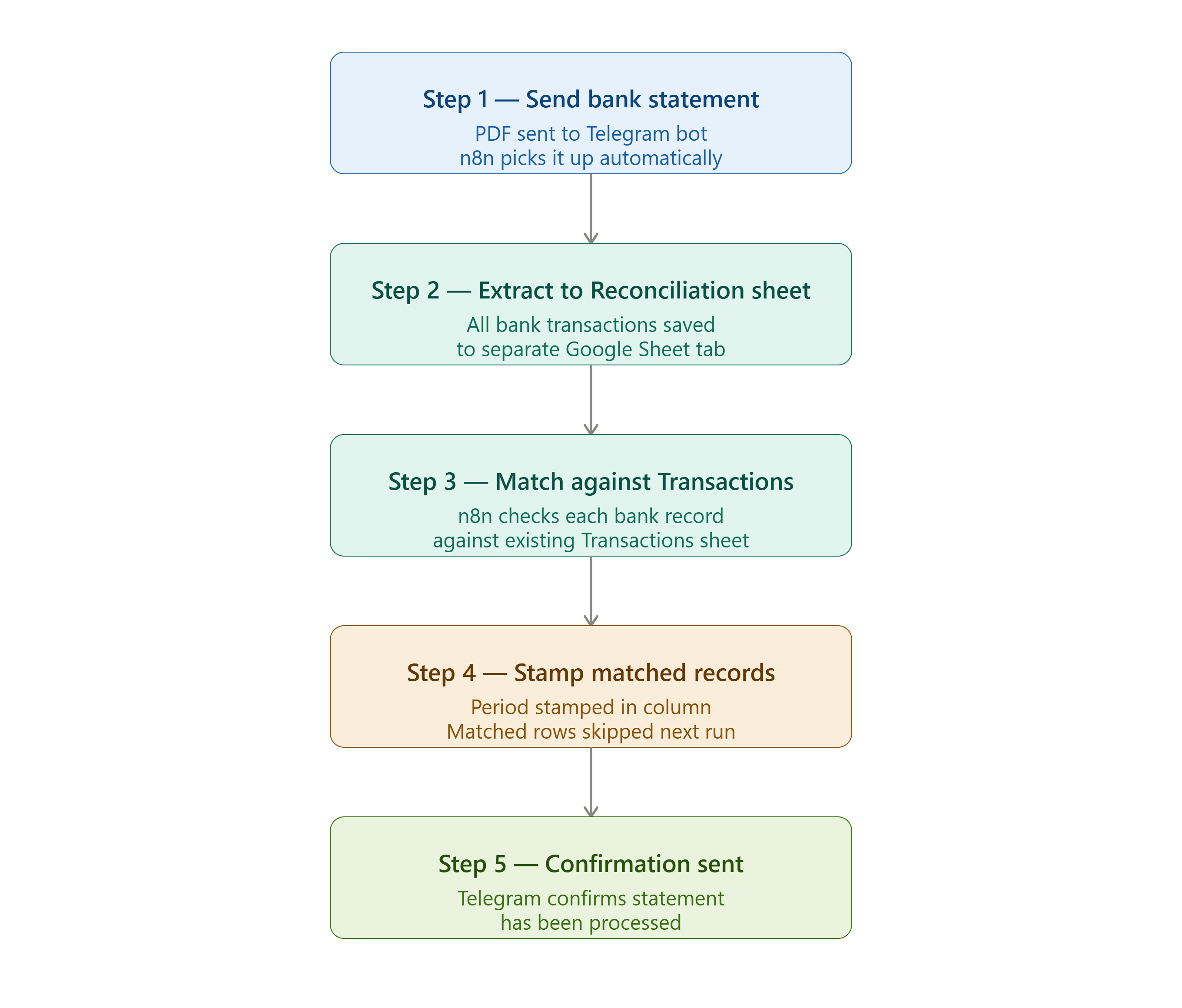 Figure: Simplified flow for easy reading
Step 1 — Send bank statement I send my digital bank statement PDF directly into Telegram. The workflow picks it up automatically.
Step 2 — Extract to Reconciliation sheet n8n downloads the bank statement and extracts all transactions into a separate Google Sheet tab named “Reconciliation”. Each bank transaction is stored cleanly and ready for matching.
Step 3 — Match against Transactions sheet n8n then goes through each record in the “Reconciliation” sheet and checks if it matches any entry in my “Transactions” sheet — where all my receipts are already captured.
Step 4 — Stamp matched records Each time a transaction is successfully matched, the period is stamped into a dedicated column in the Transactions sheet. This acts as a flag — the next time the workflow runs, that row is automatically skipped. No double processing.
Step 5 — Confirmation sent Telegram sends a confirmation message once the statement has been fully processed.
Why Manual Checking Is Still Needed
Even with automation, manual review is still required — and here is why:
Merchant names can differ. The name shown on your receipt may be completely different from the name your bank displays on the statement. For example, a local hawker stall may appear as a different registered business name on your bank statement.
Foreign currency purchases are unpredictable. When you buy from overseas merchants, the exchange rate changes daily. You never know exactly when the merchant will process the deduction — which means the amount charged can differ slightly from what you expected. This can cause discrepancies that no automated system can fully resolve without human judgement.
The workflow significantly cuts down the time needed for reconciliation — but it does not replace the need for a final human review.
What I Learned
Automation works best when it handles the repetitive matching work and flags the easy wins. The human then only needs to focus on the exceptions — the mismatches, the foreign currency differences, and the unusual merchant names.
This combination of automation plus human review is far more efficient than doing everything manually from scratch.
— KW