How I Built a Receipt Data Extraction System Using Telegram and AI
From manual desktop entry to snapping a photo anywhere — how I automated my receipt tracking with n8n, Telegram, and GPT-4o-mini.
The Problem
Like many people, I used to record my expenses manually using Microsoft Access on my desktop. It worked, but it had one big limitation — I had to be at my desk to do it.
If I paid for parking at a shopping mall, I had to remember to key in the receipt later when I got home. Sometimes I forgot. Sometimes the receipt got lost. The data was never complete.
I wanted something simpler. Something I could do anywhere, anytime, with just my phone.
The Solution
I built an automated receipt extraction workflow using n8n, Telegram, and an AI language model.
Now all I do is take a photo of my receipt and send it to a Telegram bot. The rest happens automatically.
No desktop required. No manual typing. Works anywhere as long as I have internet connection.
How It Works
 Figure: My actual receipt extraction workflow built in n8n
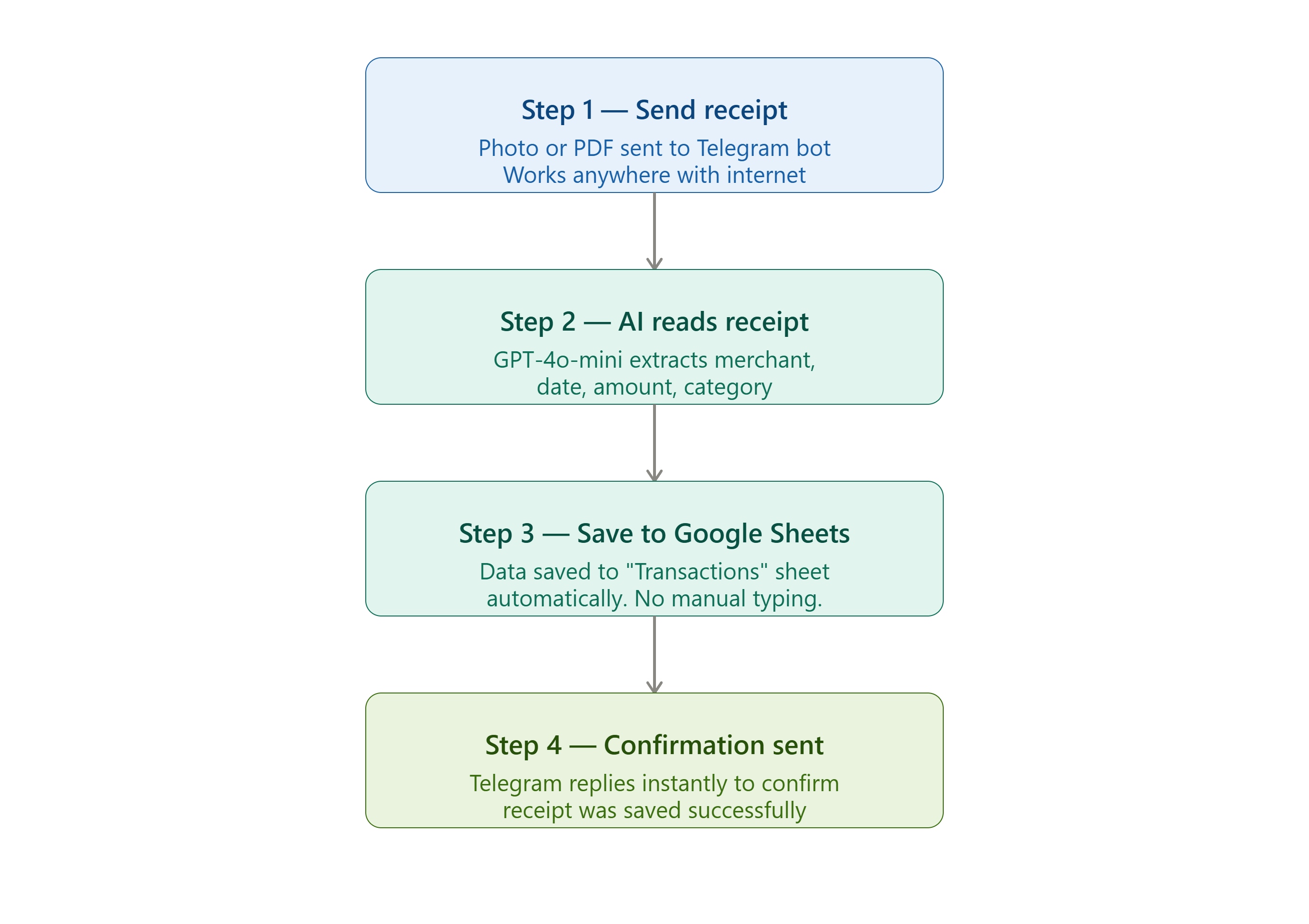 Figure: Simplified flow for easy reading
Step 1 — Send receipt I take a photo of the receipt or forward a PDF receipt directly into my Telegram bot. The workflow accepts both image and PDF formats.
Step 2 — AI reads receipt n8n picks up the message and sends it to GPT-4o-mini by OpenAI. The model reads the receipt and extracts all key information automatically — merchant name, date, amount, category, and payment mode.
Step 3 — Save to Google Sheets The extracted data is automatically saved into a Google Sheet called “Transactions”. Clean, organised, and ready for review anytime.
Step 4 — Confirmation sent Once saved, Telegram sends me a confirmation message immediately so I know the receipt was processed successfully.
Why GPT-4o-mini?
Choosing the right AI model comes down to one word for me — budget.
GPT-4o-mini by OpenAI gives very good accuracy at a fraction of the cost of more powerful models. If budget is not a concern, you can certainly use a more powerful model for even better accuracy. But for everyday receipts, GPT-4o-mini does the job well enough.
Why Telegram and Not WhatsApp?
This is a question I get asked sometimes.
Honestly — I would love to use WhatsApp. Most people in Singapore use it daily. But Meta has made the WhatsApp Business API so complicated and expensive to set up for personal use that it simply is not practical.
Telegram, on the other hand, has a free and easy bot API that anyone can set up in minutes. For automation purposes, Telegram wins hands down.
Note: This same workflow can be adapted to trigger an email confirmation instead of Telegram — the choice is yours.
What Receipts Can It Process?
The workflow handles any type of receipt — parking, groceries, restaurants, utility bills, petrol and more.
However, I use it selectively. I focus mainly on credit card transactions because I have a separate bank statement reconciliation workflow that matches my credit card receipts against my bank statement automatically. This combination cuts my monthly financial processing time significantly.
For cash payments, I rarely track them — keeping things simple and practical.
A Word of Caution
As with any AI extraction, accuracy is not guaranteed at 100%. Blurry photos, unusual receipt formats, or handwritten receipts may cause errors.
Always do a quick review of extracted data before treating it as final. The time saved versus manual entry is still significant even with occasional corrections.
What I Learned
Automation does not have to be all or nothing. I selectively automate what gives me the most value — credit card receipts — and skip what does not — cash payments.
Start small. Automate one thing well. Then expand when you are ready.
If a part-time teacher from Singapore can build this, so can you.
— KW